Introduction
Passwords are on their way out. Passkeys use public-key cryptography and biometrics so you can sign in faster and more securely—no SMS codes, no phishing traps. Google set them as the default for personal accounts, and adoption keeps growing across the ecosystem.
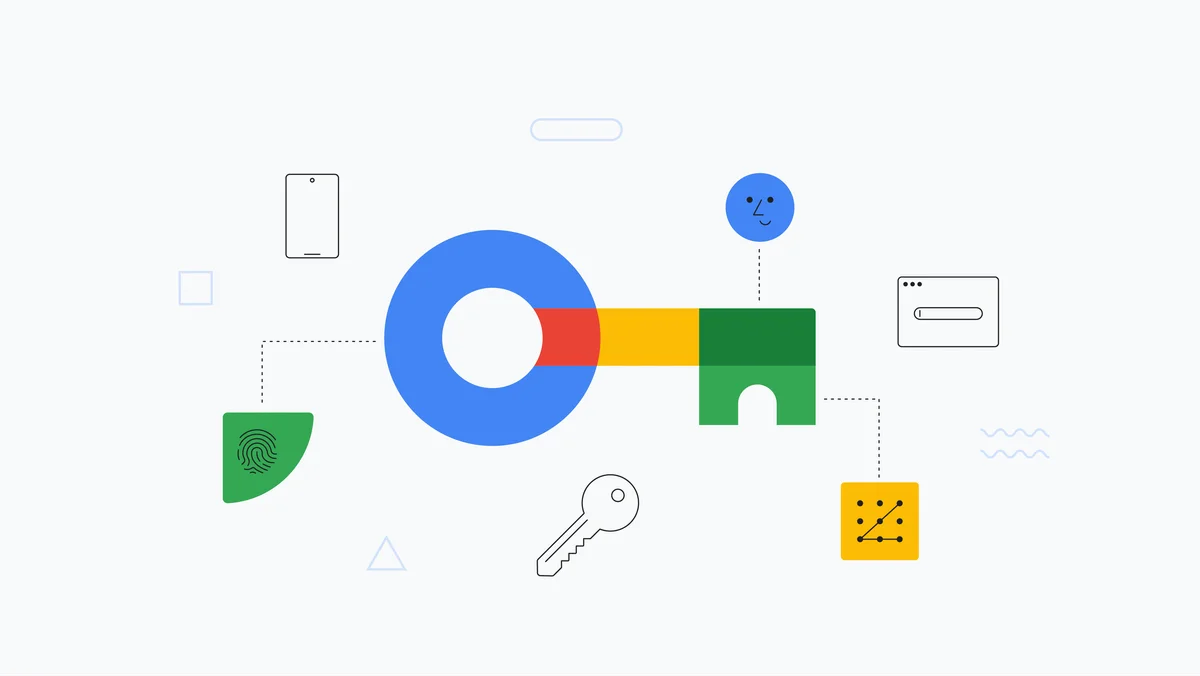
What is a passkey?
A passkey replaces your password with a key pair: the public key stays with the service; the private key stays on your device, protected by your fingerprint/face or a device PIN. Because you never share a reusable secret, it can’t be phished. Think of it as two factors in one (something you are + something you have).
For users: turn them on across your devices
- Apple (iPhone/Mac): enable and sync with iCloud Keychain and use passkeys in supported apps and sites (end-to-end encrypted).
- Android/Chrome: native support to create and use passkeys with fingerprint/face or PIN.
- Password managers (1Password, etc.): many already store/use passkeys in the browser—handy if you live on multiple platforms.
Immediate benefit: less friction (a quick biometric tap), fewer resets, and stronger protection against common attacks.
For devs: how to implement (without the pain)
- API: use WebAuthn on the web (and Credential Manager APIs on Android).
- Basic flow
- Registration: your server issues a challenge → the browser creates a private key locally and returns the public key.
- Login: your server sends a challenge → the client signs with the private key → your server verifies with the public key.
- Suggested stack:
simplewebauthnon the backend + native browser support. For mobile speed, check vendor guides and SDKs. - Compatibility: Chrome, Safari, and Firefox support WebAuthn; Windows Hello, iCloud Keychain, and Google Password Manager act as authenticators.
UX that works
- Start simple: a clear “Sign in with passkey” button.
- Fallbacks: offer recovery with a secondary security key or another safe method.
- Plain language: “We’ll save a passkey on this device; you can use your fingerprint to sign in.”
- Cross-device: explain how to use a phone’s passkey to sign in on a laptop (QR/nearby).
Security & recovery
- Phishing-proof: no passwords to steal and no fake login pages that “capture” secrets.
- Encrypted sync (Apple): passkeys travel via iCloud Keychain with end-to-end encryption; Apple can’t see your keys.
- Plan B: register a second device or a physical FIDO2 key as backup (critical in teams/enterprise).
Adoption in 2025
- Google set passkeys as the default in 2023 for personal accounts and continues pushing wide adoption in 2025.
- Awareness and usage are rising: recent FIDO Alliance surveys show global growth in familiarity and uptake.
Conclusion
Passkeys raise security and lower friction. If you’re a user, enable them today; if you’re a dev, add WebAuthn and a simple fallback. Fewer passwords, fewer support tickets, more conversions. A win for you and your users.